
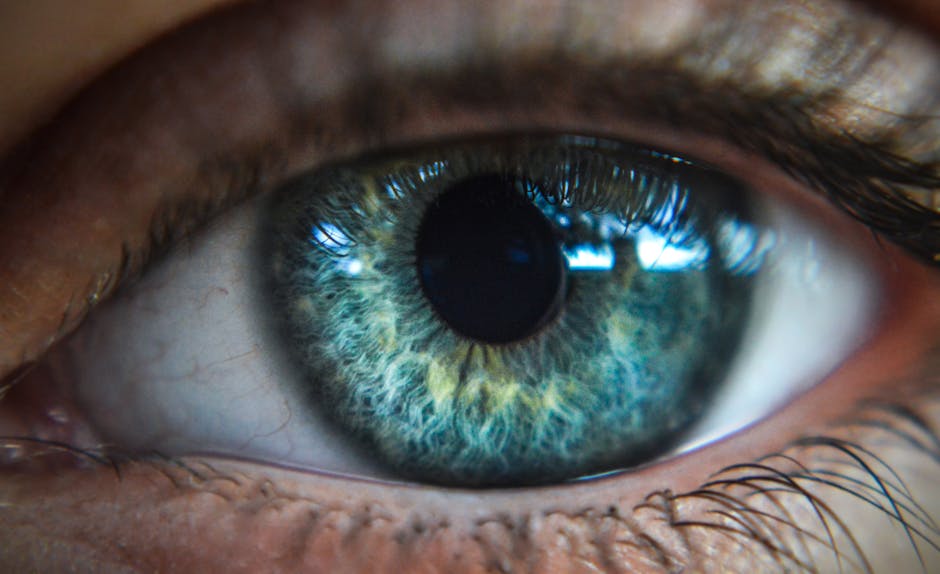
You spend hours every day looking at screens. You check your phone when you wake up. You work on a laptop for eight hours. You watch television to relax in the evening. This constant digital use is the norm, but it comes with a hidden cost to your health.
Many people experience burning eyes, blurred vision, or headaches after a long day of work. These are the hallmark signs of digital eye strain. If you feel eye fatigue from screens, you are not alone. As we move further into a screen-first world, understanding how to protect your sight is essential.
This guide will explore why screens affect your eyes, how to spot the symptoms, and the best ways to find digital eye strain relief. We will also look at how internal nutrition can provide long-term protection.
Understanding Digital Eye Strain

Digital eye strain, often called Computer Vision Syndrome (CVS), is a group of eye and vision-related problems. These issues result from prolonged use of digital devices like computers, tablets, and smartphones.
When you look at a screen, your eyes have to work harder than they do when looking at printed paper. Digital text often lacks the crispness of ink on paper. This causes your eye muscles to work harder to maintain focus. Additionally, the light from these devices is different from natural light, which can disrupt your visual comfort.
Why Does It Happen?
The primary cause of eye fatigue is the physical effort required for “accommodation.” This is the process where your eye muscles change the shape of your lens to focus on objects at different distances.
When you stare at a screen, your eyes stay in one fixed position for a long time. This creates muscle fatigue, much like holding a heavy weight with your arm for an hour. Your muscles eventually tire, leading to discomfort and strain.
Common Symptoms of Digital Eye Strain
It is important to recognize the signs early. Many people ignore these symptoms, thinking they are just a natural part of a busy workday. However, chronic eye strain can lead to long-term discomfort and reduced productivity.
The Most Common Symptoms Include:
- Dry or Gritty Eyes: You may feel like there is sand in your eyes.
- Blurred Vision: Your sight may feel out of focus after long sessions.
- Eye Fatigue: A heavy or tired feeling in the eyelids.
- Headaches: Often felt around the forehead or temples.
- Double Vision: Seeing two of the same object when looking at text.
- Sensitivity to Light: Finding bright office lights or screen brightness uncomfortable.
- Neck and Shoulder Pain: Resulting from poor posture while using devices.
If you experience these regularly, you need to change your digital habits and consider how you support your ocular health.
The Science of Blue Light and Your Eyes
One of the biggest concerns in modern eye health is blue light eye protection. You have likely seen ads for “blue light blocking” glasses or screen filters. But what is the real science behind it?
What is Blue Light?
Visible light is made up of different colours, often called wavelengths. Blue light is a high-energy visible (HEV) light. It has a very short wavelength and high energy. While it is present in sunlight, digital screens emit a concentrated amount of it.
The Impact on Your Vision
There is ongoing research into how blue light affects the retina, the light-sensitive part of the eye. Some studies suggest that excessive exposure to high-energy light could contribute to oxidative stress in the eye. Oxidative stress is a process where unstable molecules damage your cells over time.
Furthermore, blue light can disrupt your circadian rhythm. This is your body’s internal clock. Exposure to blue light in the evening tells your brain it is still daytime. This makes it much harder to fall asleep, which in turn affects your overall health and your ability to recover from a day of visual work.
Immediate Practical Solutions for Eye Relief
You do not always need a medical intervention to find relief. Many of the best ways to combat eye fatigue from screens are simple lifestyle changes.
The 20-20-20 Rule
This is the most effective tool for anyone who works in an office. The rule is simple:
Every 20 minutes, look at something 20 feet away for at least 20 seconds.
This simple habit forces your eye muscles to relax. It breaks the cycle of constant near-focus. By doing this, you give your eyes a “micro-break” that prevents the buildup of tension.
Manage Your Blink Rate
When we focus intensely on a screen, we blink much less than usual. On average, humans blink about 15 to 20 times per minute. When staring at a screen, that number can drop to just 5 to 7 blinks per minute.
Blinking is essential because it spreads a fresh layer of tears across your eyes. This keeps them moist and clear. If you find your eyes feeling dry, make a conscious effort to blink more often. Some people find that using lubricating eye drops can also help during the day.
Adjust Your Lighting and Screen Settings
Glare is a major cause of eye strain. If you have a window behind you, the light might bounce off your screen. This creates a “veil” of light that makes it hard to see.
- Reduce Glare: Use an anti-glare screen protector or adjust the position of your desk.
- Match Brightness: Your screen should not be a light source in a dark room. It should match the ambient light in your room. If the room is dim, turn down your screen brightness.
- Use Night Mode: Most devices now have a “night shift” or “blue light filter” mode. This shifts the colours on your screen toward the warmer, red end of the spectrum. This is much easier on the eyes in the evening.
Optimising Your Workspace Ergonomics

Your physical setup plays a massive role in how your eyes feel at the end of the day. If you are hunched over a laptop, you are straining your neck and eyes simultaneously.
The Correct Monitor Setup
How you position your screen determines how your eye muscles work.
- Distance: Your screen should be about an arm’s length away from your face. If it is too close, your eyes have to work harder to focus.
- Height: The top of your monitor should be at or slightly below eye level. You should be looking slightly downwards at the center of the screen.
- Angle: Tilt the screen slightly if needed to reduce reflections from overhead lights.
The Importance of Posture
If you lean forward to read small text, you are increasing the strain on your neck. This causes tension that travels up to your head, leading to “tension headaches.” Always ensure your chair supports your back and your feet are flat on the floor.
The Role of Nutrition in Eye Health
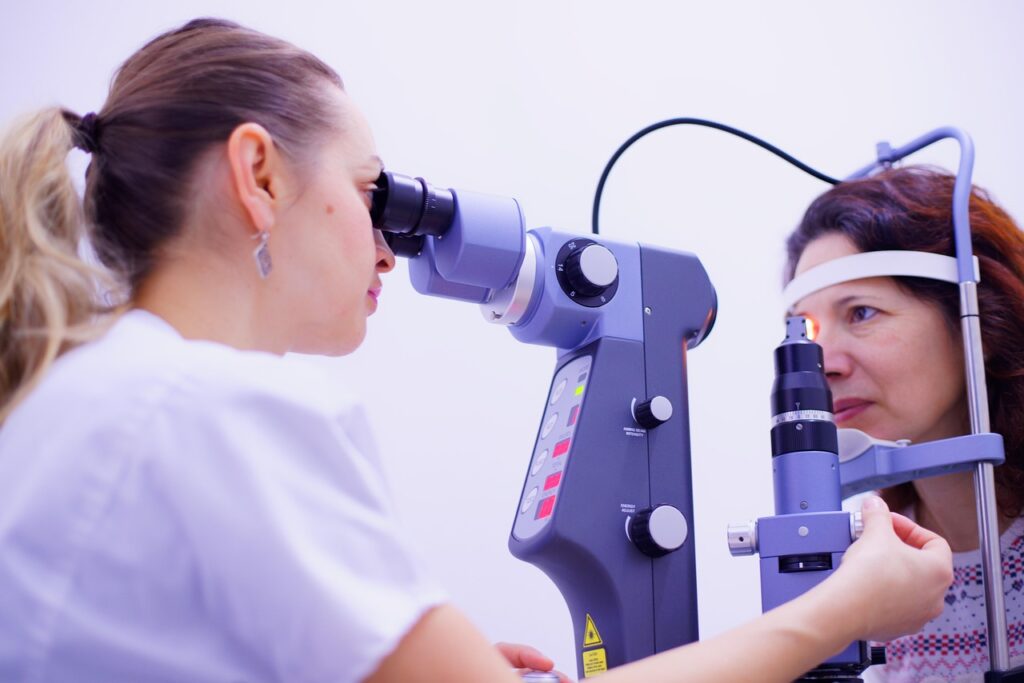
While lifestyle changes help with immediate relief, long-term vision health starts from within. Just as you eat to support your heart and muscles, you must eat to support your eyes.
The eyes are highly metabolic organs. This means they require a steady supply of nutrients to function and repair themselves. As we age, the eye’s ability to defend itself against oxidative stress naturally decreases. This is why a nutrient-rich diet is so vital for maintaining clear vision.
Essential Nutrients for Ocular Support
To protect your eyes, you need specific antioxidants and vitamins. These nutrients help protect the macula, which is the part of the retina responsible for sharp, central vision.
- Lutein and Zeaxanthin: These are carotenoids found in leafy greens. They act like “internal sunglasses.” They settle in the macula and help filter harmful blue light before it reaches the retina.
- Vitamin A: This is crucial for seeing in low light. A deficiency in Vitamin A can lead to serious vision problems.
- Vitamin C and E: These are powerful antioxidants. They help protect eye cells from damage caused by free radicals.
- Zinc: This mineral helps Vitamin A travel from the liver to the retina to produce melanin, a protective pigment.
- Omega-3 Fatty Acids: These are essential for maintaining the oily layer of the tear film. This helps prevent dry eye symptoms.
While you can find these nutrients in foods like kale, spinach, eggs, and salmon, it can be difficult to get enough through diet alone. Many people find it hard to eat enough of these specific foods every single day to maintain optimal levels.
Why Targeted Eye Supplements Matter
Many people take a standard daily multivitamin to stay healthy. While a multivitamin is good, it is often not designed for the specific needs of the eyes.
The eye requires much higher concentrations of certain nutrients, such as Lutein and Zeaxanthin, than a general multivitamin provides. A general supplement focuses on broad health, but eye health requires a specialized approach to be truly effective.
This is where a targeted eye health supplement becomes a valuable tool. Instead of taking five different pills, a specialized formula provides the exact ratio of nutrients your eyes need to thrive.
The Ocunourish Formula Advantage
If you are looking for comprehensive support, you need a formula designed by experts. This is why we developed the Ocunourish Formula.
Unlike generic vitamins, Ocunourish Formula focuses on the specific biological requirements of the ocular system. It is designed to provide high-quality, science-backed support for people who use screens heavily or want to support their vision as they age.
By choosing a targeted supplement like Ocunourish Formula, you are giving your eyes the specific defensive tools they need to combat blue light and oxidative stress. It is a proactive step toward maintaining visual clarity and long-term ocular wellness.
Creating an Eye-Healthy Daily Routine
Protecting your vision is not about one single action. It is about building a series of healthy habits. You can combine ergonomic changes, lifestyle shifts, and nutritional support to create a powerful defense against digital eye strain.
A Sample “Eye-Healthy” Workday
- Morning: Start with a bright, natural light exposure. This helps set your circadian rhythm.
- During Work: Implement the 20-20-20 rule every 20 minutes. Keep a large glass of water on your desk to stay hydrated, which helps with dry eyes.
- Lunchtime: Take a walk outside. This gives your eyes a break from the constant near-focus of your desk.
- Afternoon: Use an eye drop if you feel dryness setting in. Ensure your screen brightness matches the room light.
- Evening: Turn on “blue light filters” on your devices as the sun goes down.
- Daily Support: Take your Ocunourish Formula to ensure your body has the internal nutrients it needs for long-term protection.
Summary of Key Takeaways
Protecting your vision in a digital world is a necessity, not an option. By understanding the causes of eye strain and taking proactive steps, you can maintain your visual health and comfort.
- Recognize the symptoms: Don’t ignore headaches, dry eyes, or blurred vision.
- Use the 20-20-20 rule: Give your eye muscles regular breaks.
- Optimise your space: Fix your lighting, reduce glare, and set your monitor at the correct height.
- Stay hydrated: Water is essential for tear production.
- Eat for your eyes: Prioritise leafy greens and healthy fats.
- Consider targeted nutrition: Use Ocunourish Formula to provide your eyes with the specific antioxidants they need to fight blue light and oxidative stress.
Your eyes are your window to the world. By taking care of them today, you are ensuring you can continue to see clearly for years to come.